NextLinq

AI Solutions. Custom Apps. Real Business Impact.AI Solutions. Custom Apps.

Insights & ideas

Short notes on whether a workflow deserves AI, and operator notes from the Grok Bot Playbook.

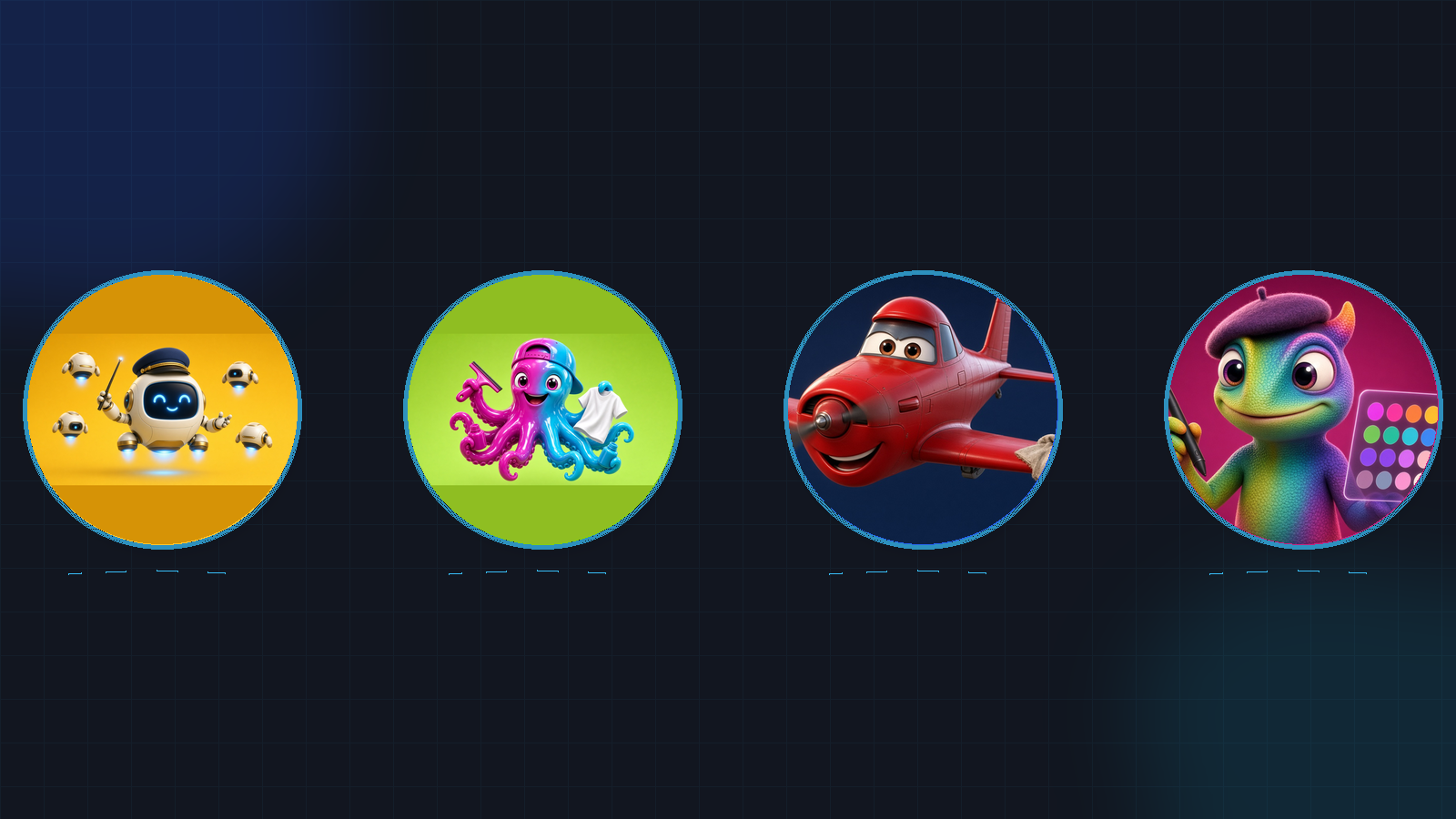
Four circular bot avatars in a row — floating robot conductor, ink octopus with tee and squeegee, red oil-can plane, beret chameleon with stylus — on a dark charcoal grid.
AI Assistants

How We Give Our Grok Bots Fun Animated Avatars

Named Bots feel more like teammates when each one has a face. Here is the five-step process we use at Nextlinq to design Pixar-style characters, animate them doing their job, and turn the clips into looping GIF avatars.

Read More →
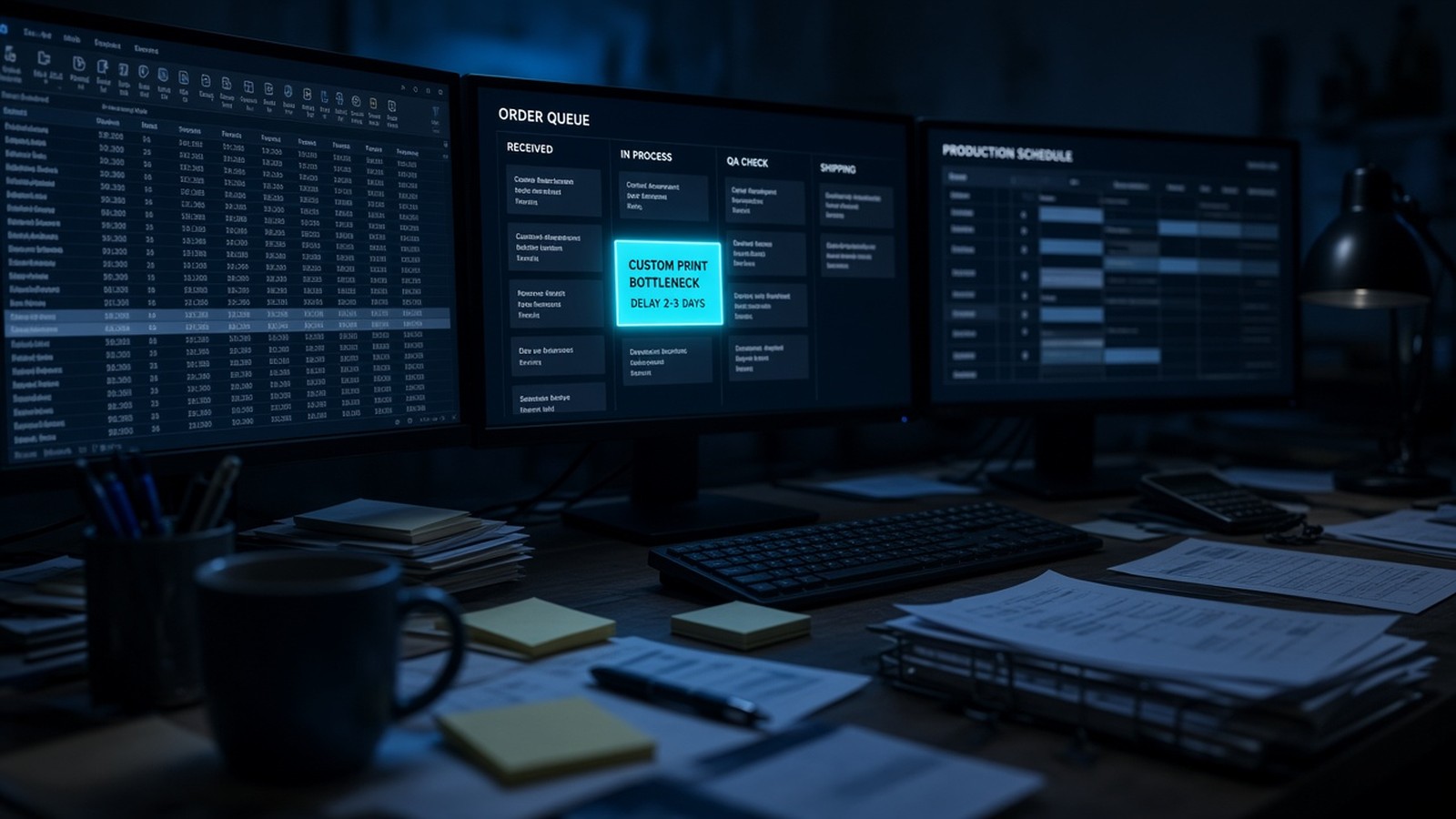
Abstract flowchart with a glowing bottleneck node on a dark blueprint grid
Process Automation

When Do I Know I Need AI?

You don't need AI because it's trendy. You need it when a real workflow burns hours every week — and you've picked the painful process worth fixing first.

Read More →
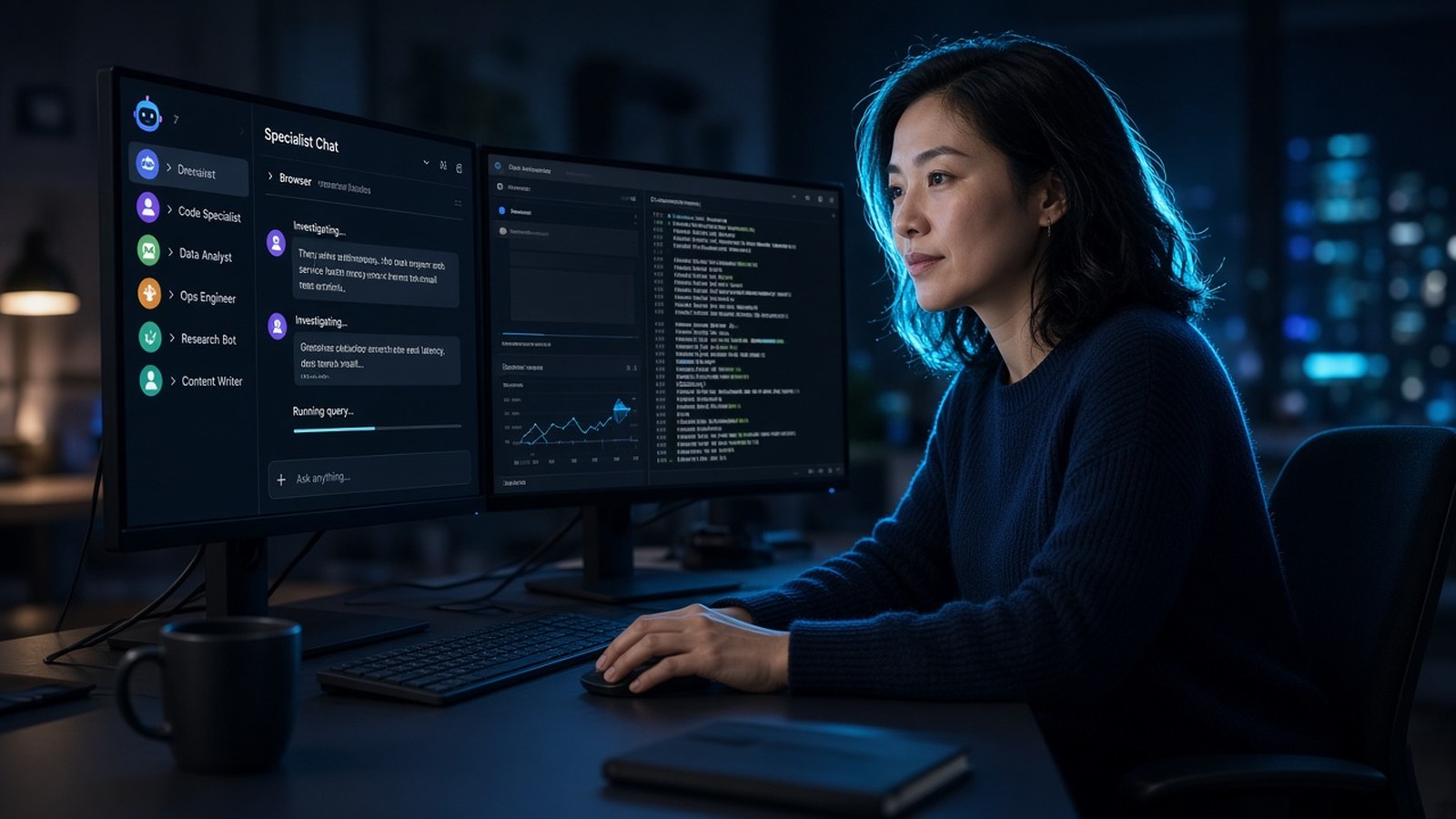
Woman at dual monitors using specialist AI-teammate chat with named bot sidebar
AI Assistants

What a Grok Bot is

A Grok Bot is an AI teammate with its own computer. You message it like a colleague, give it a job, and it works across apps and websites until the task is done — then it comes back when it needs a decision.

Read More →
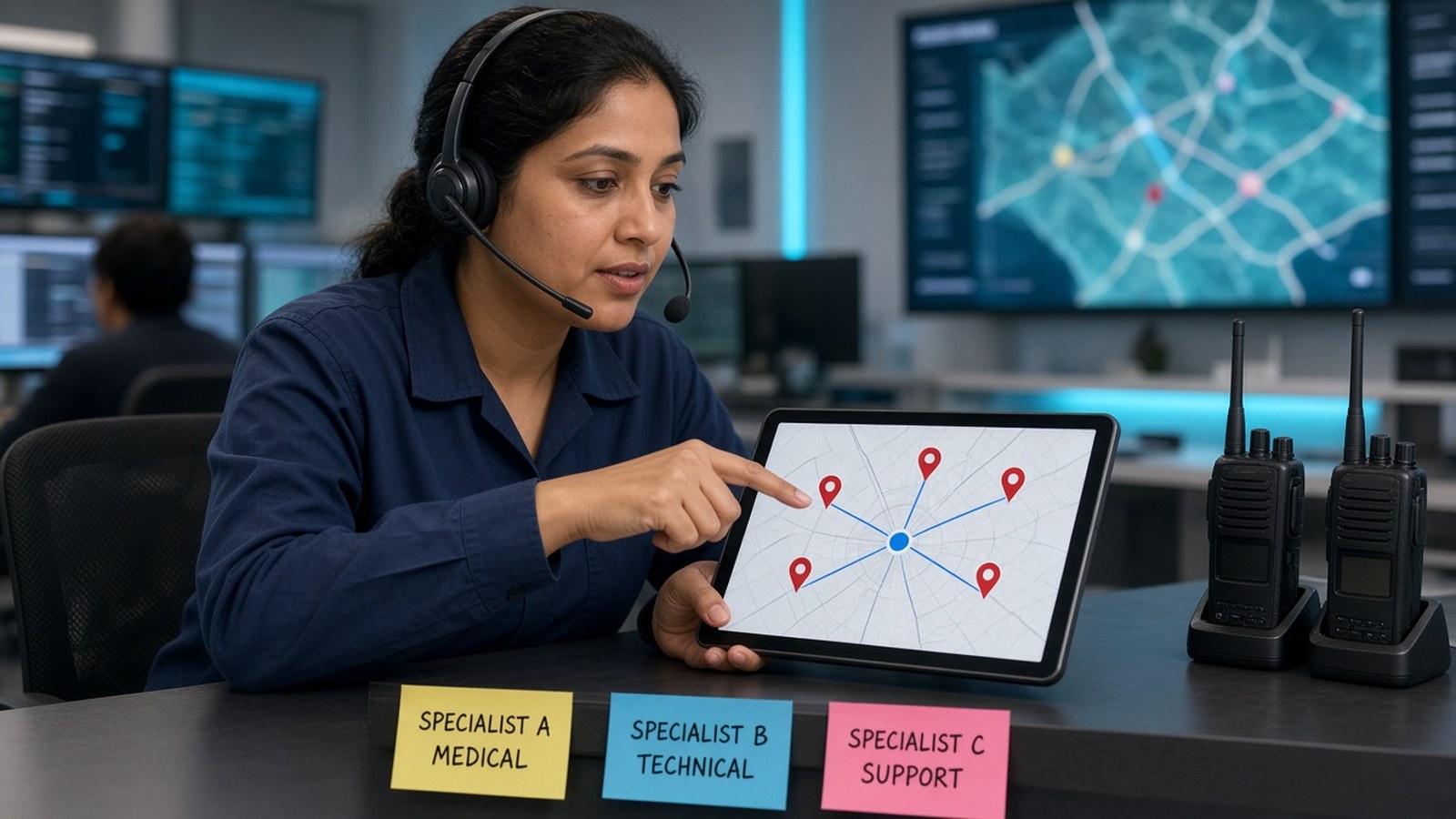
Headset coordinator + hub-spoke tablet, radios, specialist stickies
AI Assistants

Routing and delegation

If every request still lands on you, you built a chat box, not a desk. Routing means one coordinator knows who owns what, a specialist does that stage, and you are asked only when the action is consequential.

Read More →
Man watching sparse usage/credits meter before more bot work
Process Automation

Usage-conscious bot design

Grok Bot usage is metered, so an always-on, chatty Bot burns allocation on noise. Here is how to design Bots and routines that spend usage on work that matters.

Read More →
Layered vault cards beside sticky-note panels suggesting durable vs ephemeral context
AI Assistants

Bot memory and context

A named Bot's memory compounds over time, which is why stale memory can be dangerous. Keep stable preferences in memory, keep changing facts in the source system, and never rely on memory alone for safety rules.

Read More →
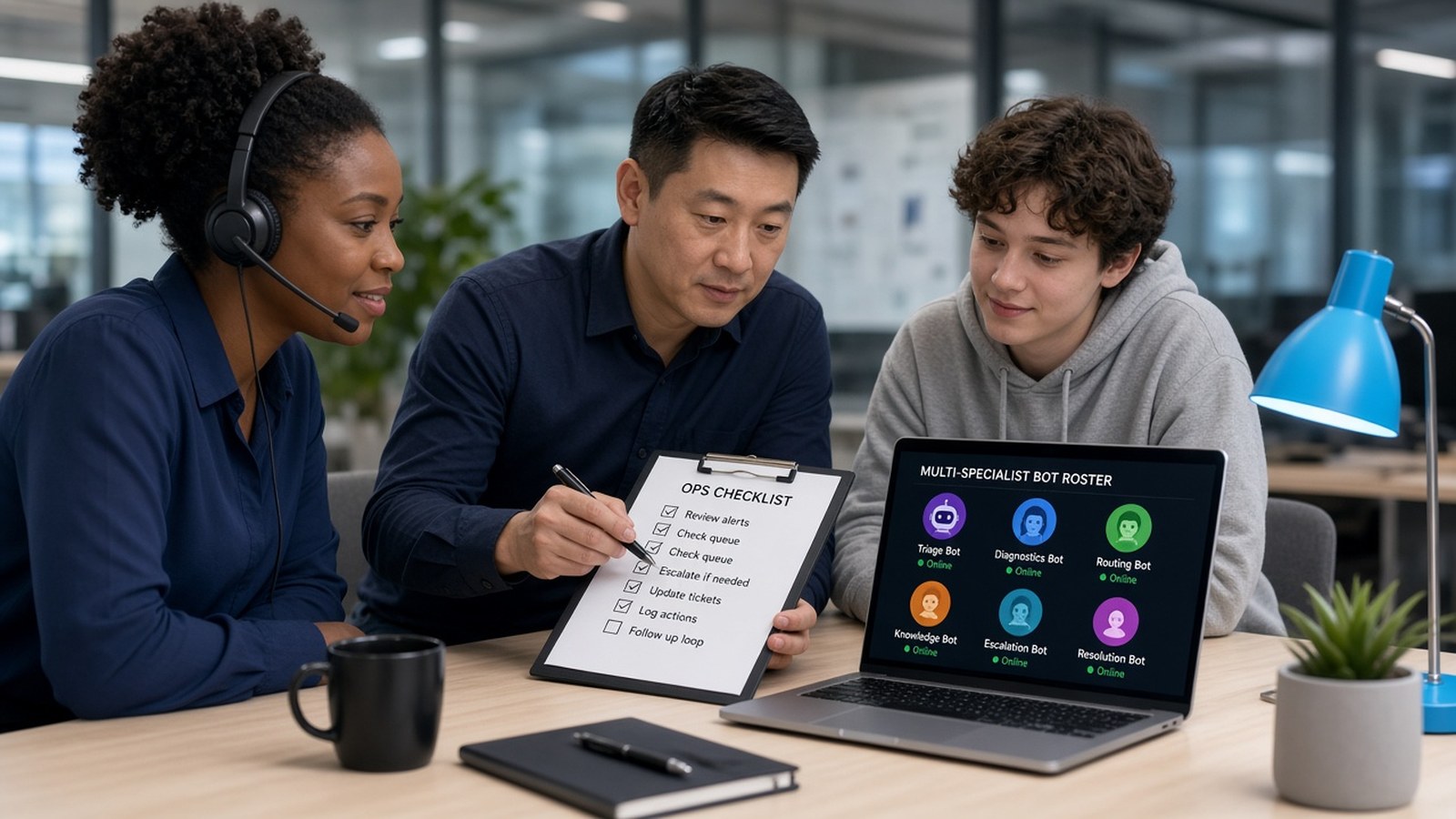
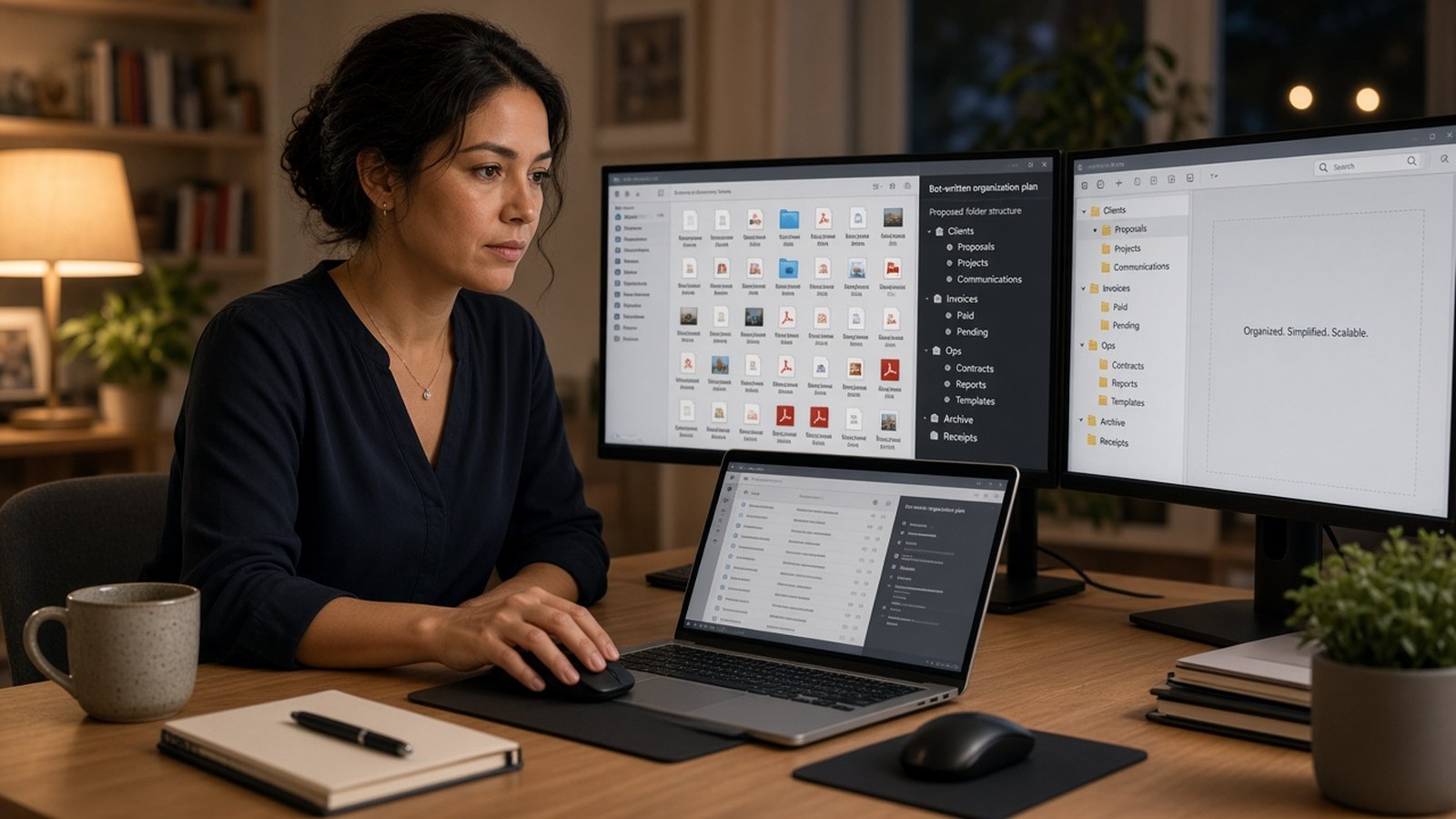
Three ops teammates over checklist + multi-specialist bot roster laptop
AI Assistants

Multi-bot teams

Think of Bots as specialists on a small team. Each one owns a job, a set of tools, and a line it must not cross without you. Here is a starter roster and how to decide when to split one Bot into several.

Read More →
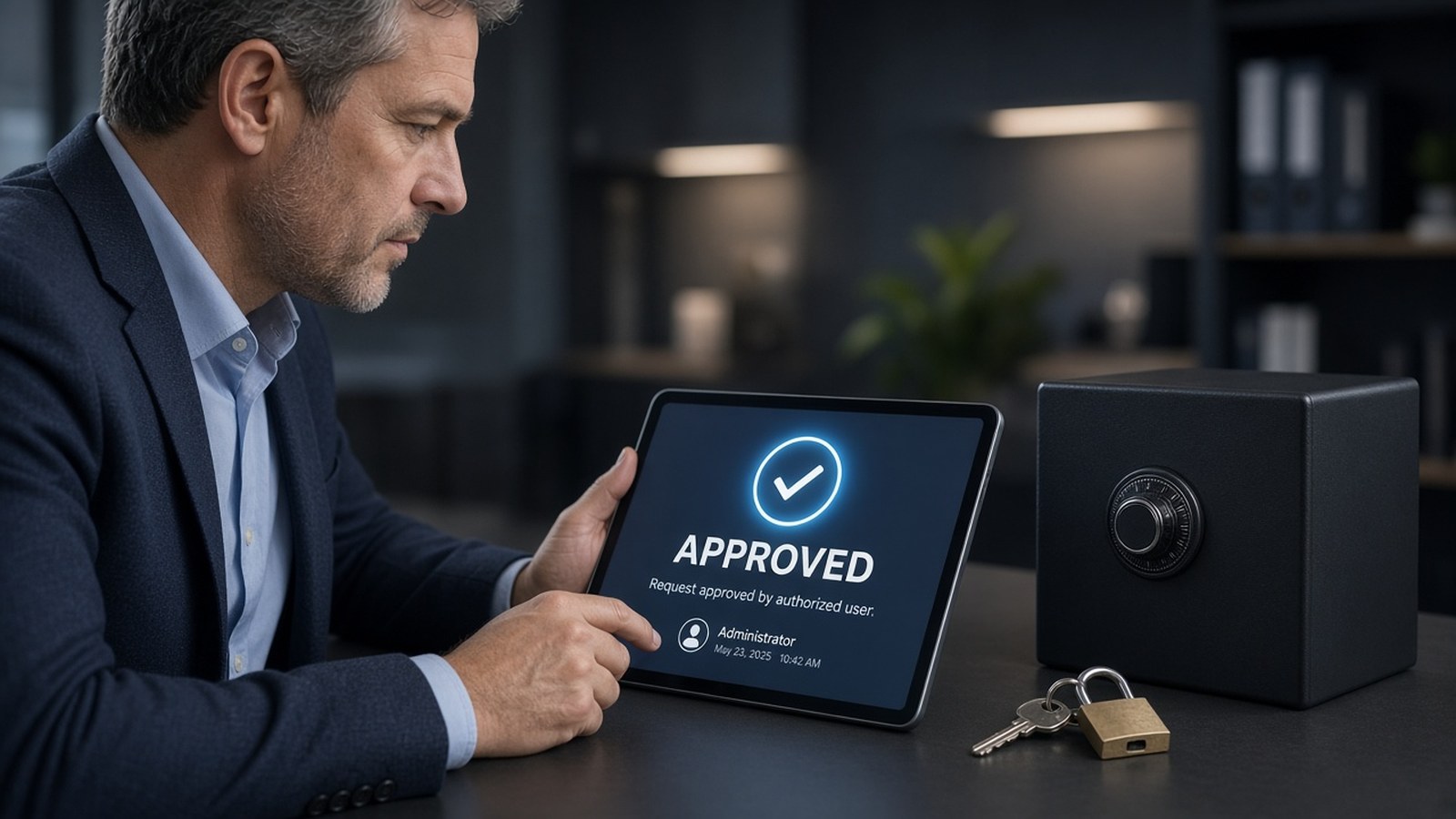
Man with APPROVED tablet next to vault/keys/padlock
AI Assistants

Security and privacy for bots

All your Bots share one cloud computer, its logins, and your connected apps. Real protection comes from approvals, Auto Review, least-privilege accounts, and cleanup, not from splitting work across Bots.

Read More →
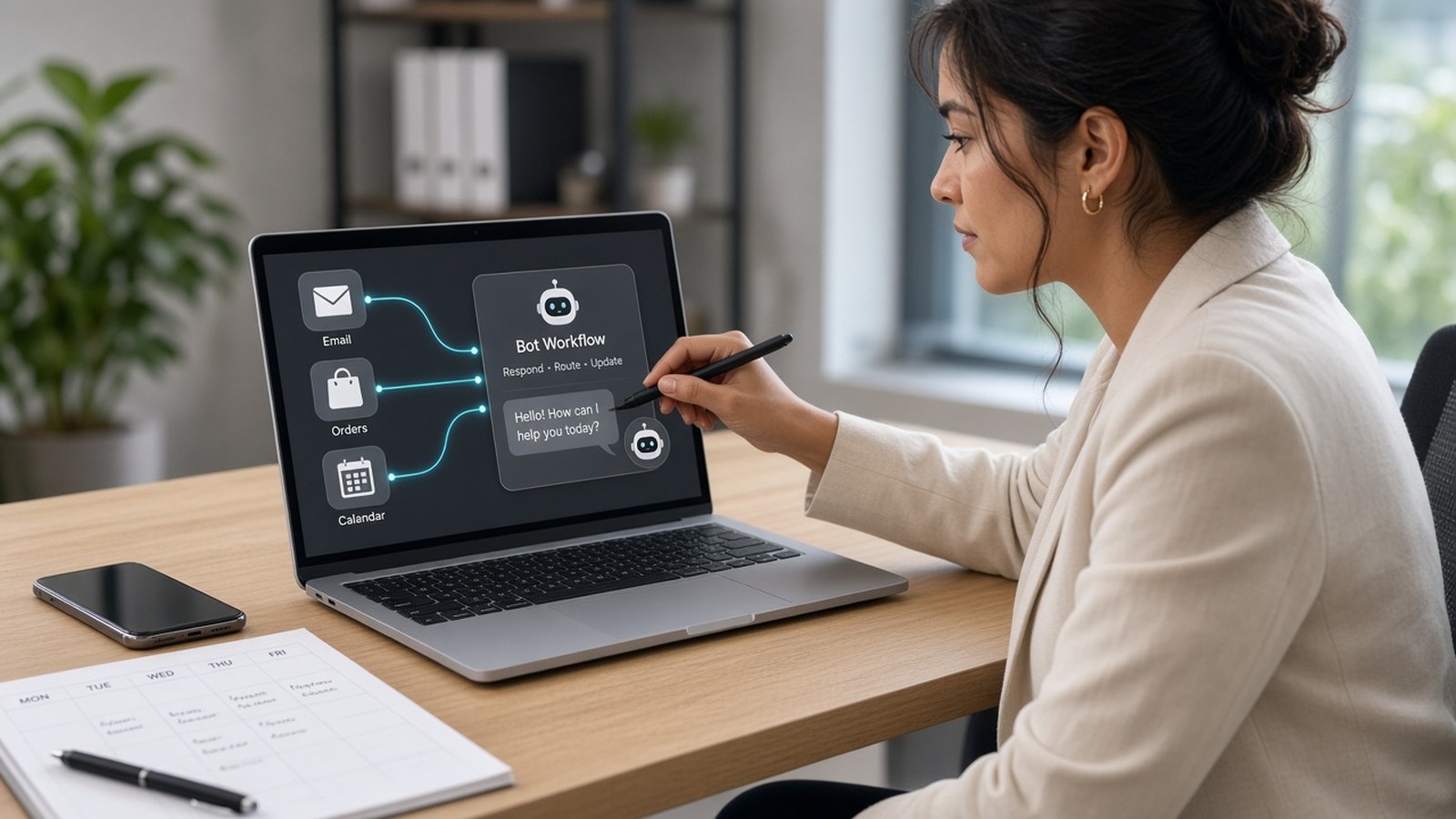
Woman connecting email/orders/calendar tiles into a bot workflow
Custom Apps

Integrating bots with business tools

Use connected apps first, the browser when no connector exists, skills to capture a method that works, and routines to run it on schedule. That order beats brittle click-macros.

Read More →
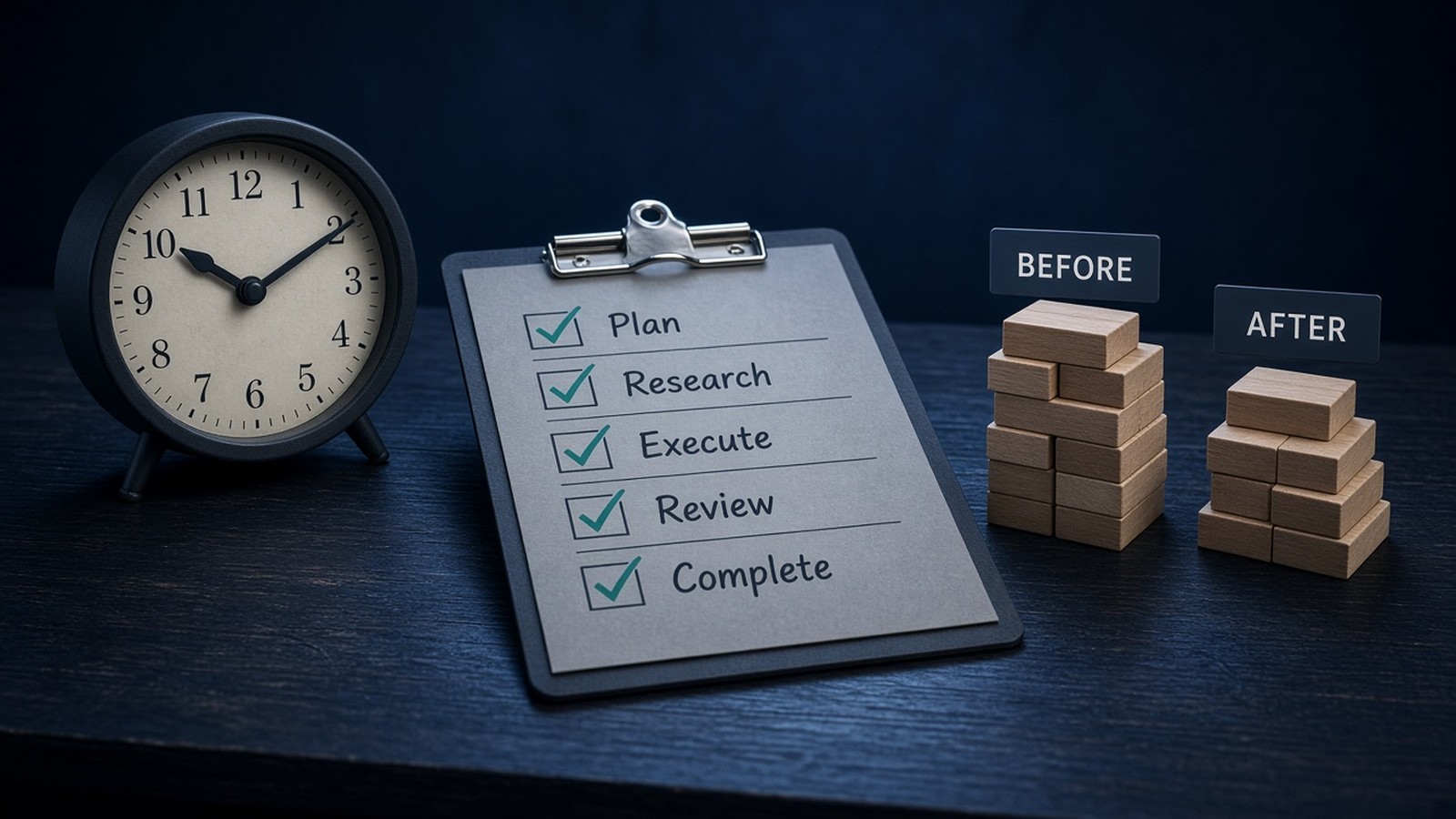
Clock, checklist card, and before-after effort bars without percentages
Process Automation

Measuring bot ROI

You don't need a vendor's savings claim to know whether your Bots are worth it. Track recurring time handed off, the quality of your draft queue, and whether each period's usage turned into assets you keep.

Read More →
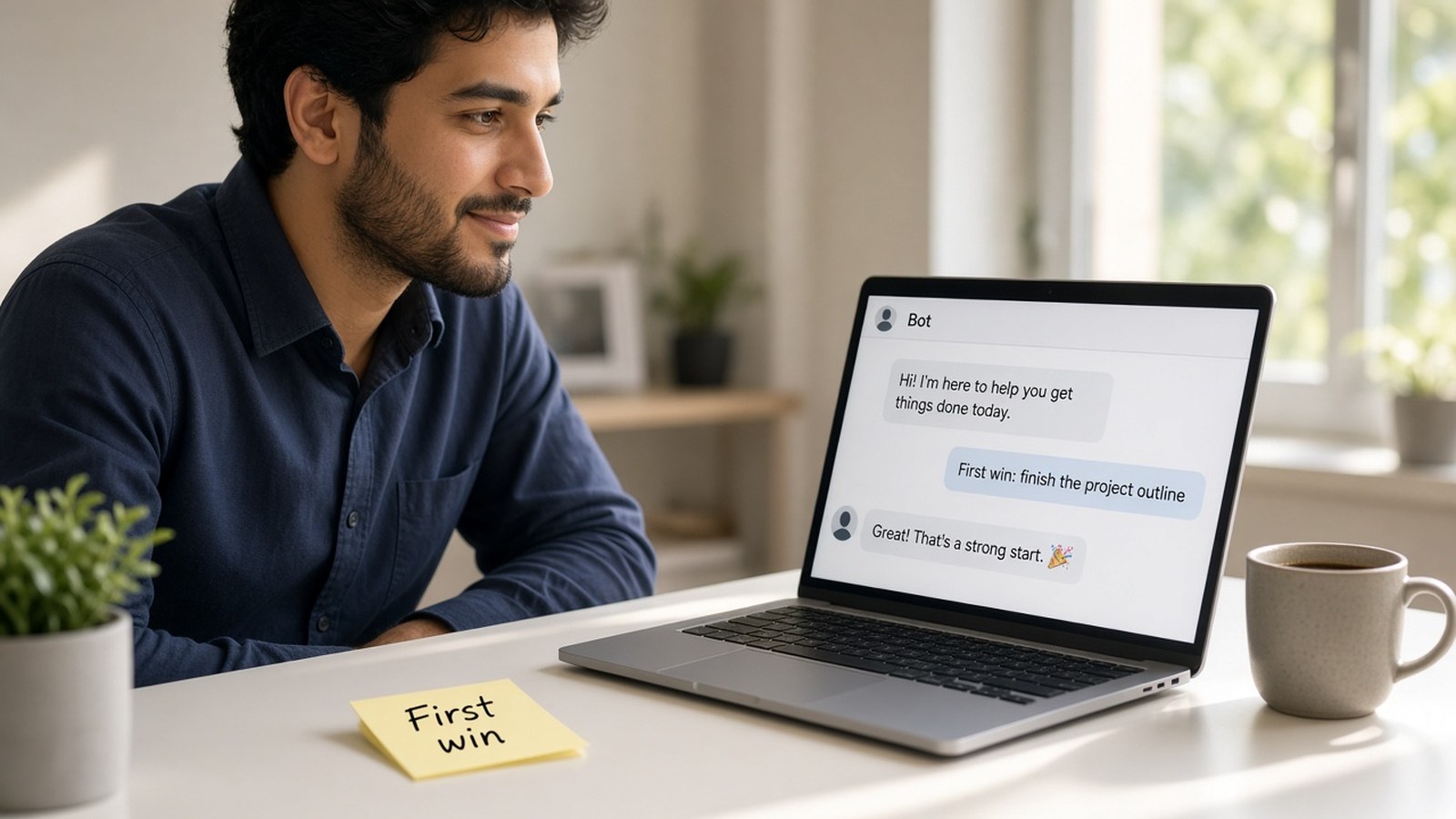
Young man at first bot chat with First win sticky
AI Assistants

Getting started with a first bot

You don't need a workflow builder. Setup is mostly a conversation: get access, sign in, give one Bot one job, connect only the tools it needs, and run a real task with a clear finish line.

Read More →
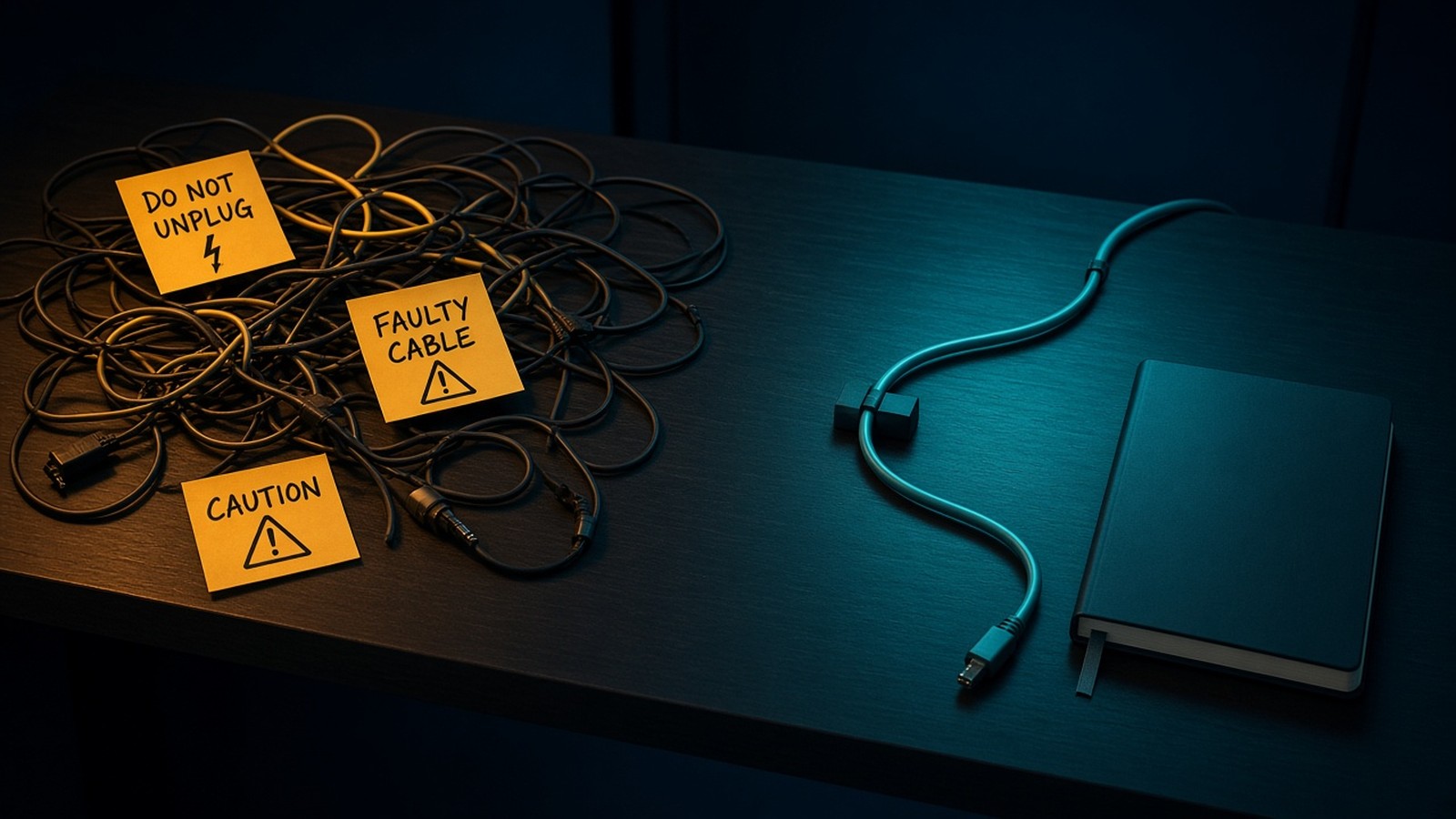
Tangled warning path contrasted with a clean teal path
Process Automation

Common pitfalls

Most Bot problems come from the setup, not the AI: catch-all Bots, overlapping owners, noisy monitors, stale memory, and approvals granted on autopilot. Here are ten pitfalls from the playbook, each with a fix.

Read More →
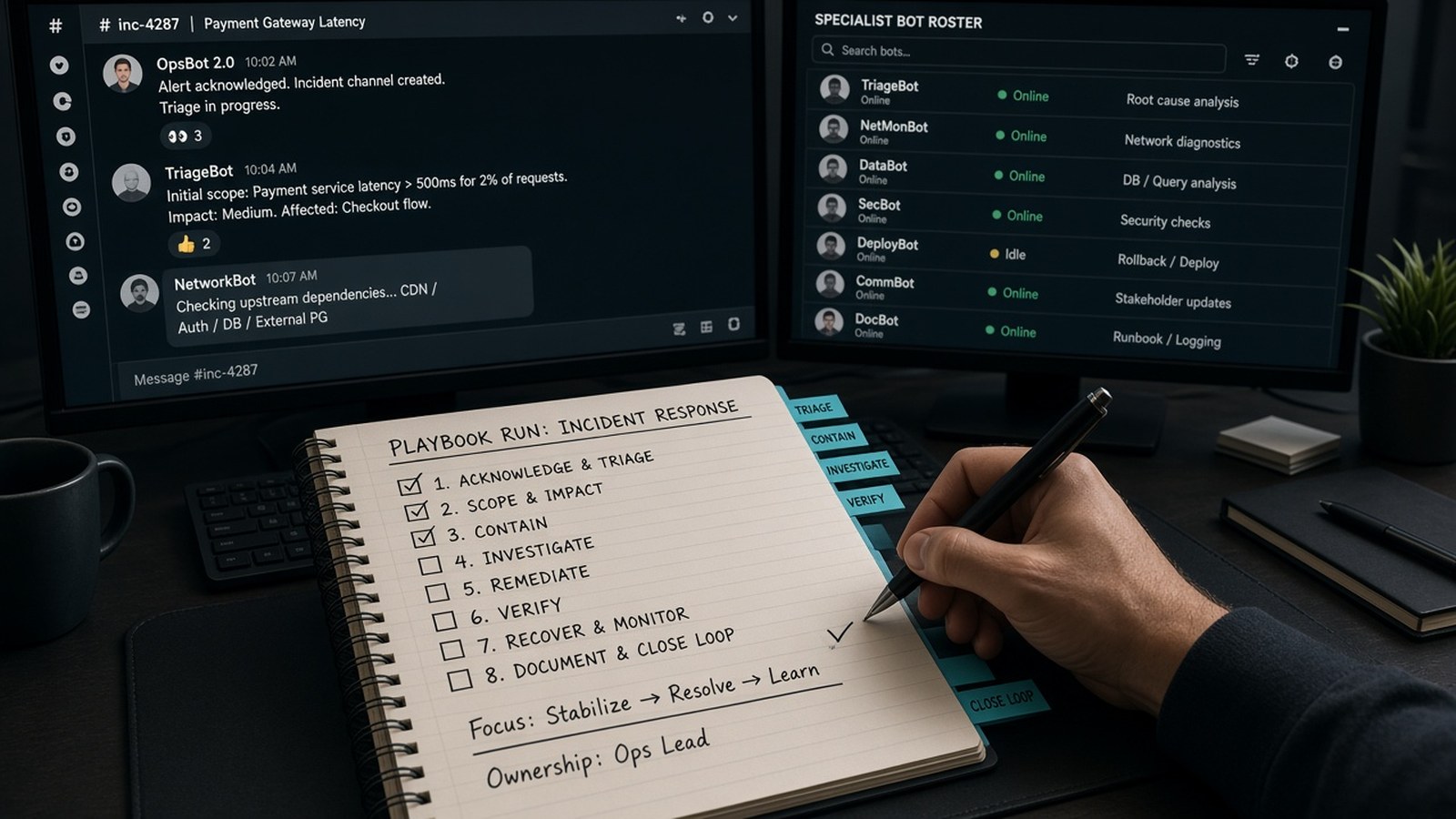
Hands checking playbook beside bot-chat monitors
AI Assistants

A Grok Bot desk is a playbook, not a chatbot

A lot of "AI enablement" stops at a shared login and a prompt doc nobody opens. The useful version is smaller: a named desk, a short list of jobs, and a hard line on what the teammate may never do alone.

Read More →

Let’s Build Something Great Together

Your goals. Our expertise. Real results.

Get Started