Blog / AI Assistants
Routing and delegation
Playbook: Grok Bot Playbook · PDF
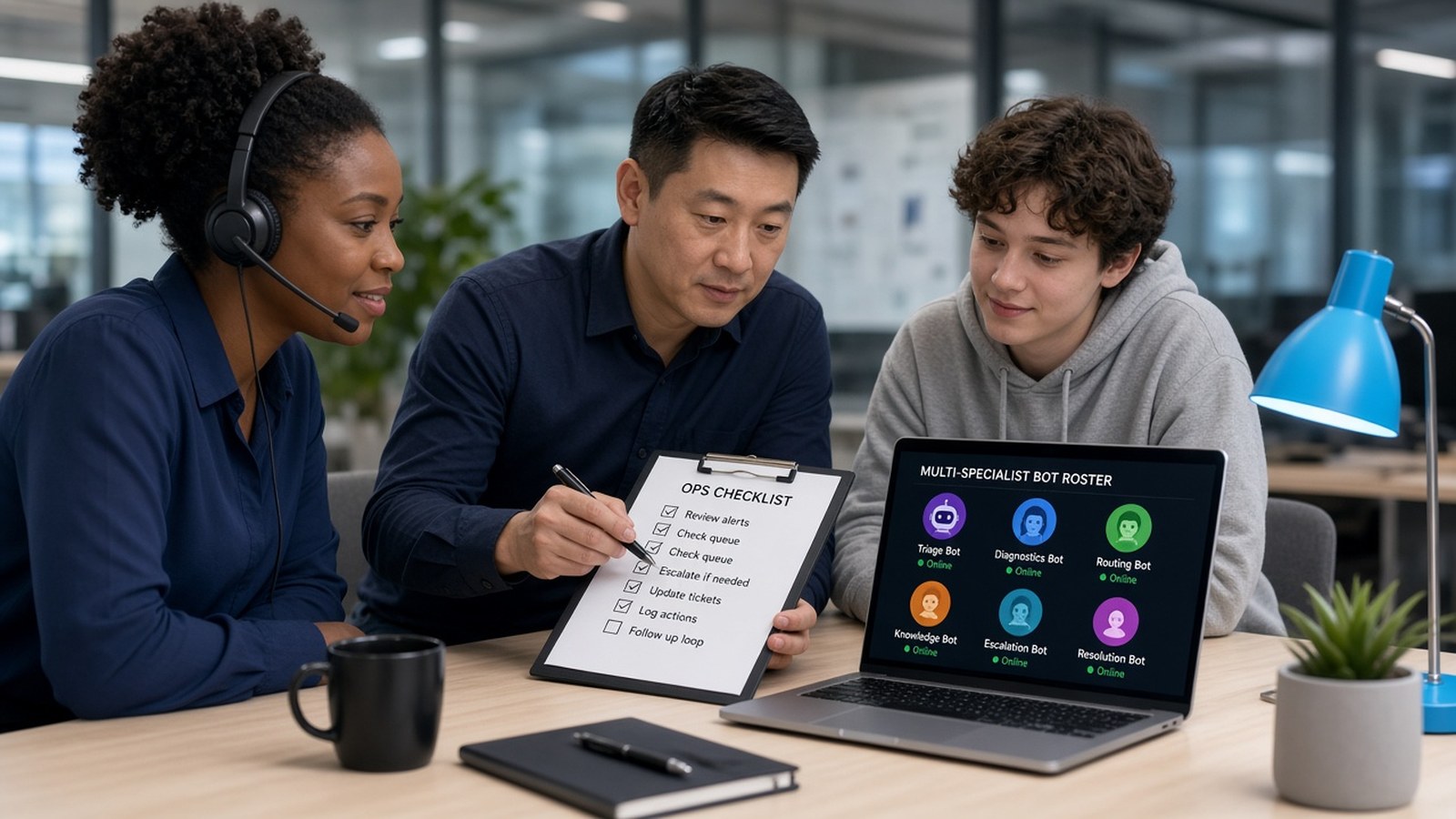
One Bot is easy: you tell it what to do. With four or five Bots, a new problem shows up. You are now deciding which Bot gets which request, passing results between them, and collecting their status updates. That is exactly the routing job you wanted to hand off — the human switchboard.
At EZ-INK (ez-ink.com), my online print shop where we print custom apparel for schools and businesses, jobs don't get better when everyone grabs the next shirt off the counter. A dispatcher owns the print queue: who runs which stage, what "done" looks like, and when something escalates. Here at Nextlinq — my consulting and AI enablement desk — the fix is the same pattern: add one coordinator Bot that knows who owns what.
The router (COO / dispatcher) pattern
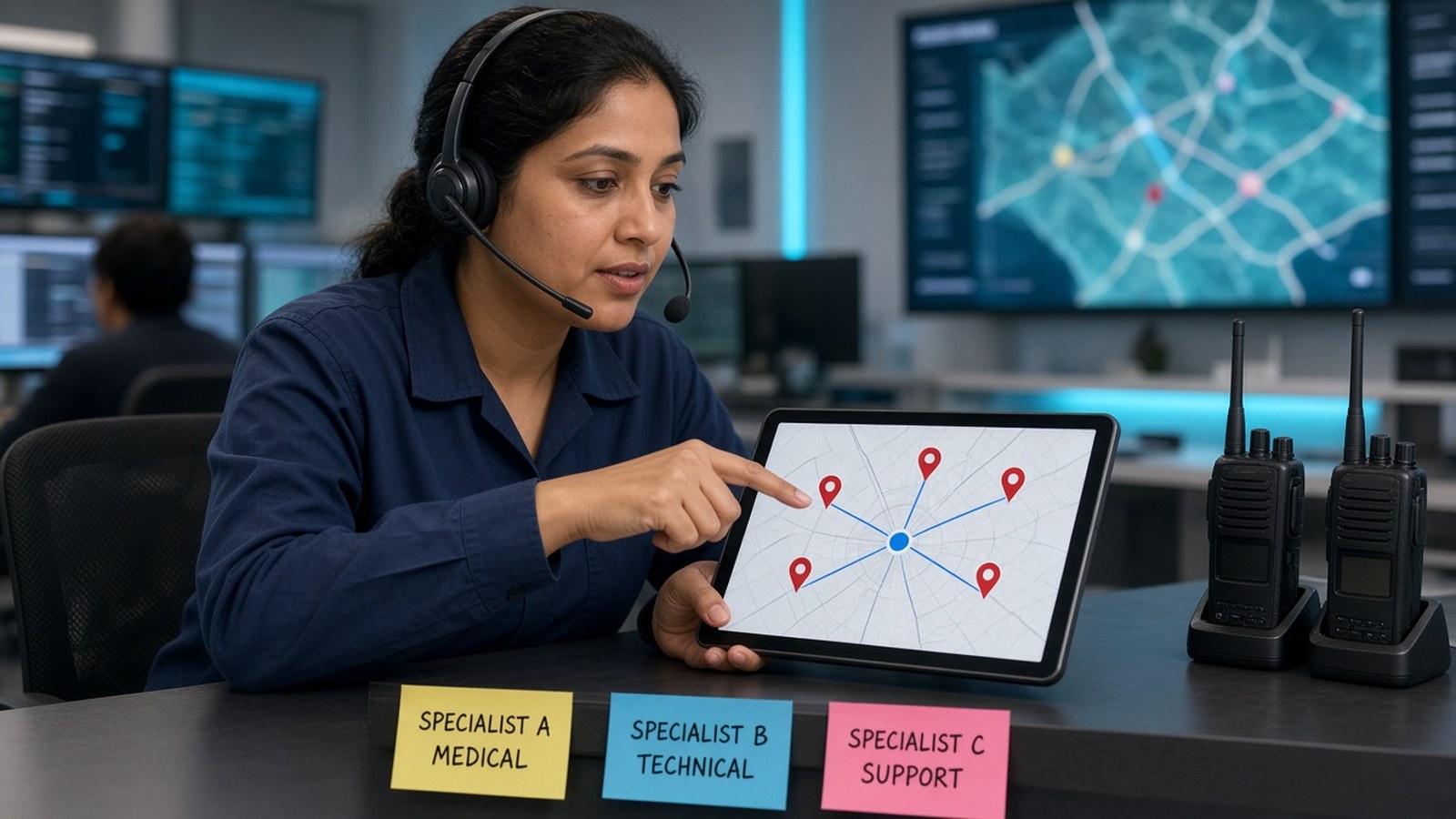
You talk to the coordinator first. It:
- Works out which specialist owns the request.
- Hands the request to that specialist.
- Summarizes the result back to you.
The playbook puts the rule in three short lines — the same discipline as one owner per stage on a production job:
- One owner per stage. The router assigns, the specialist executes, the router reports.
- Group chats for shared outcomes. Put two to six Bots in one thread when a project needs visible handoffs, for example research → draft → review.
- Judgment calls escalate. A specialist asks the coordinator, and the coordinator asks you about anything consequential.
On my roster, KAI plays that coordinator role — not because a fancy name matters, but because someone has to own the queue.
How handoffs actually work
According to the official docs as summarized in the playbook, Bots can message each other asynchronously. You can put two to six Bots in a group chat with one shared outcome and use @ to hand a request to one teammate.
Example group-chat kickoff:
@Research gather pricing and shipping terms for our top five competitors and link every claim. @Marketing turn the findings into a one-page positioning draft. @COO check the draft against the sources and list only blocking issues. Don't publish anything.
Every stage has one named owner, a clear deliverable, and a stop point — like a work order that ends at a gate, not "do something useful."
Why "one owner" matters so much
The docs recommend a single owner at each stage because parallel handoffs create duplicate work and noisy updates. Overlap causes three problems:
- Duplicate work. Two Bots researching the same question.
- Conflicting updates. Two versions of the same draft — the ops equivalent of two people editing the same packing slip.
- Wasted usage. Usage is metered, so duplicated research costs you twice.
If you can't name the one Bot that owns a recurring job, fix that before adding another Bot.
When to add the coordinator
The playbook's first-week checklist suggests adding the next role after two clean weeks with your first Bot, and adding a coordinator once you have three or more. Before that point, a coordinator mostly adds a layer you don't need yet — an extra inbox when one queue is quiet.
Writing a good delegation request
Whether you're briefing the coordinator or a specialist directly, cover the playbook's five elements:
- Outcome. What does "done" look like?
- Sources. Which inboxes, sheets, sites, or apps matter?
- Constraints. Dates, budgets, tone, what to skip.
- Deliverable. A table? A doc with links? Drafts in Gmail?
- Stop point. Where must it pause for your approval?
A standing rule for your coordinator
Give the coordinator a few house rules up front and ask it to remember them. The playbook's example:
Default to short status updates. Stay quiet on no-change monitor runs. Prefer revising an existing Page or draft over creating a new copy. For research or design that can wait, queue it for the end of the usage period if we still have headroom.
Short status updates mean you hear from the coordinator when something changed or needs you — not a constant chatter in the channel.
One caution
A coordinator organizes the work. It does not grant or limit access. All your Bots share one computer, its logins, and your connected apps. Delegation decides who does a job. Approvals and least-privilege accounts decide what any Bot is allowed to do. Separate Bot names are not a separate security boundary.
Go deeper
Section 04 of the playbook ("Building a small ops desk") has the full roster table and the one-vs-several decision guide.
- Grok Bot Playbook (web)
- Download the PDF
- Help designing a coordinator + specialist desk: jack@nextlinq.com · Nextlinq
Independent educational content by Nextlinq Solutions Inc. Not official Cursor or xAI documentation. Product details change — verify in official docs. Questions: jack@nextlinq.com
Part 2 of 10 · All notes · What a Grok Bot is · Usage-conscious bot design