Blog / AI Assistants
What a Grok Bot is

Playbook: Grok Bot Playbook · PDF
Most small-business owners have tried a chat assistant. You ask, it answers, and then you copy the answer into email, a spreadsheet, or your store admin yourself. I did that for years as a consultant and as a shop owner — useful answers that still left me as the paste bridge.
A Grok Bot works differently. You message it like a colleague and give it a job. It then works across your apps and websites until the task is done, and it stops when something needs your sign-off. Think of it as a capable new hire who already has a desk — not a clever chat window you babysit while you still do all the clicking.
Public product materials, as we summarize in the October 2026 playbook, call Bots "AI teammates with names, jobs, and context that compounds over time." That one line covers most of what makes them useful here at Nextlinq / on my EZ-INK (ez-ink.com) desk — Nextlinq, my consulting and AI enablement desk, and EZ-INK, my online print shop where we print custom apparel for schools and businesses.
The core idea: it has a computer
Each Bot works on a persistent cloud computer with three tools:
- A browser for websites and web apps, including ones with no integration.
- A filesystem with a shared
/workspacefolder for project files that need to last. - A terminal for scripts, data processing, and generating spreadsheets, PDFs, and CSVs.
Because the computer is in the cloud and not on your laptop, work finishes in your real tools. You don't get a chat draft you have to paste somewhere — the way a good ops hire finishes the checklist in the system of record, not on a sticky note.
Four ideas that make it different
- It has a computer. Connected apps where they exist, and a real browser and desktop for everything else.
- It keeps working. Closing the app, your laptop, or your phone does not stop a running task or a scheduled routine.
- It remembers its job. A named Bot keeps its memory, files, browser sessions, and preferences between sessions. It doesn't start from zero every morning.
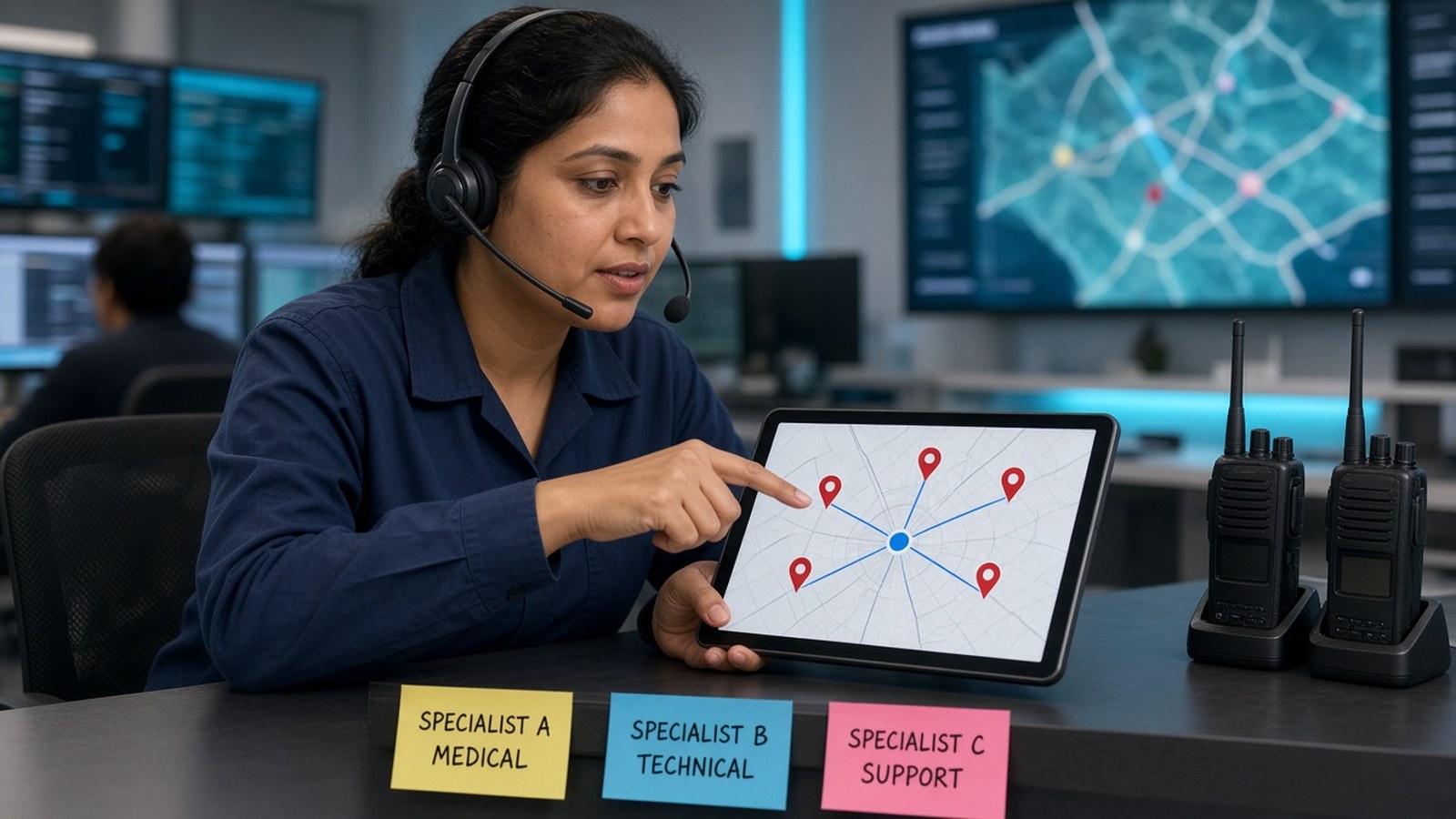
- It works in a team. Bots can run in parallel, message each other, share context in group chats, and hand off tasks. You stop being the person who routes work between tools — the switchboard operator none of us hired ourselves to be.
Chat assistant vs. Grok Bot
| Chat-only assistant | Grok Bot | |
|---|---|---|
| Where work happens | In the chat window; you copy results out | On a cloud computer with browser, files, terminal, and connected apps |
| When it works | While you're in the conversation | In the background and on schedules, laptop closed |
| Context | Often resets per conversation | Each named Bot keeps role context and summaries of past work |
| Team model | One assistant | Many role-focused Bots that coordinate |
Not the same as the Grok app
People mix these up often. Grok (the chat app from xAI) and Grok Bot are separate apps. Grok Bot signs in with a Cursor account, and its usage is metered separately from any limits you see in the Grok chat app. This note does not quote plans or prices. Those change — confirm them on the official pages before you buy.
What it's good for in a small business
- Multi-step routine work across a few tools. Pull data, compare, summarize, draft, and leave the result for review — the glue work I used to write brittle scripts for.
- Recurring checks. Daily order or inbox triage, weekly spending reviews, competitor price scans.
- Websites without an integration. A Bot can operate many browser-based tools directly. It hands you any step that needs a human, such as logins, CAPTCHAs, or payment checks.
- Preparation before execution. Drafts, shortlists, reconciliations, and reports that a person approves before anything goes out.
What it is not
It is not a blank check to send, spend, publish, or delete. The playbook default — and the one I run on my own desk — is draft first, and an approval gate on anything consequential. Automate the prep; keep the go-live decision for yourself.
The mental model to keep
Treat a Bot like a capable new hire who has their own desk. Give it one clear job, the tools that job needs, and a written list of what it must never do without asking. Draft before sending. Put approval gates on anything that sends, spends, publishes, or deletes. Expand autonomy only after a track record.
Go deeper
Section 01 of the playbook covers this in more detail, and Section 02 explains the six building blocks behind it.
- Grok Bot Playbook (web)
- Download the PDF
- Questions or help standing up a first Bot: jack@nextlinq.com · Nextlinq
Independent educational content by Nextlinq Solutions Inc. Not official Cursor or xAI documentation. Product details change — verify in official docs. Questions: jack@nextlinq.com
Part 1 of 10 · All notes · Routing and delegation