Blog / Process Automation
Common pitfalls

Playbook: Grok Bot Playbook · PDF
Bots earn trust the way people do — and the way a good process earns a clean track record. You automate preparation first, keep execution behind approval, and expand autonomy only after you've seen it work. Most early frustrations come from skipping one of those steps. Here are ten gotchas I see on desks (and that rhyme with classic ops and IT mistakes), each with a fix.
1. The catch-all Bot
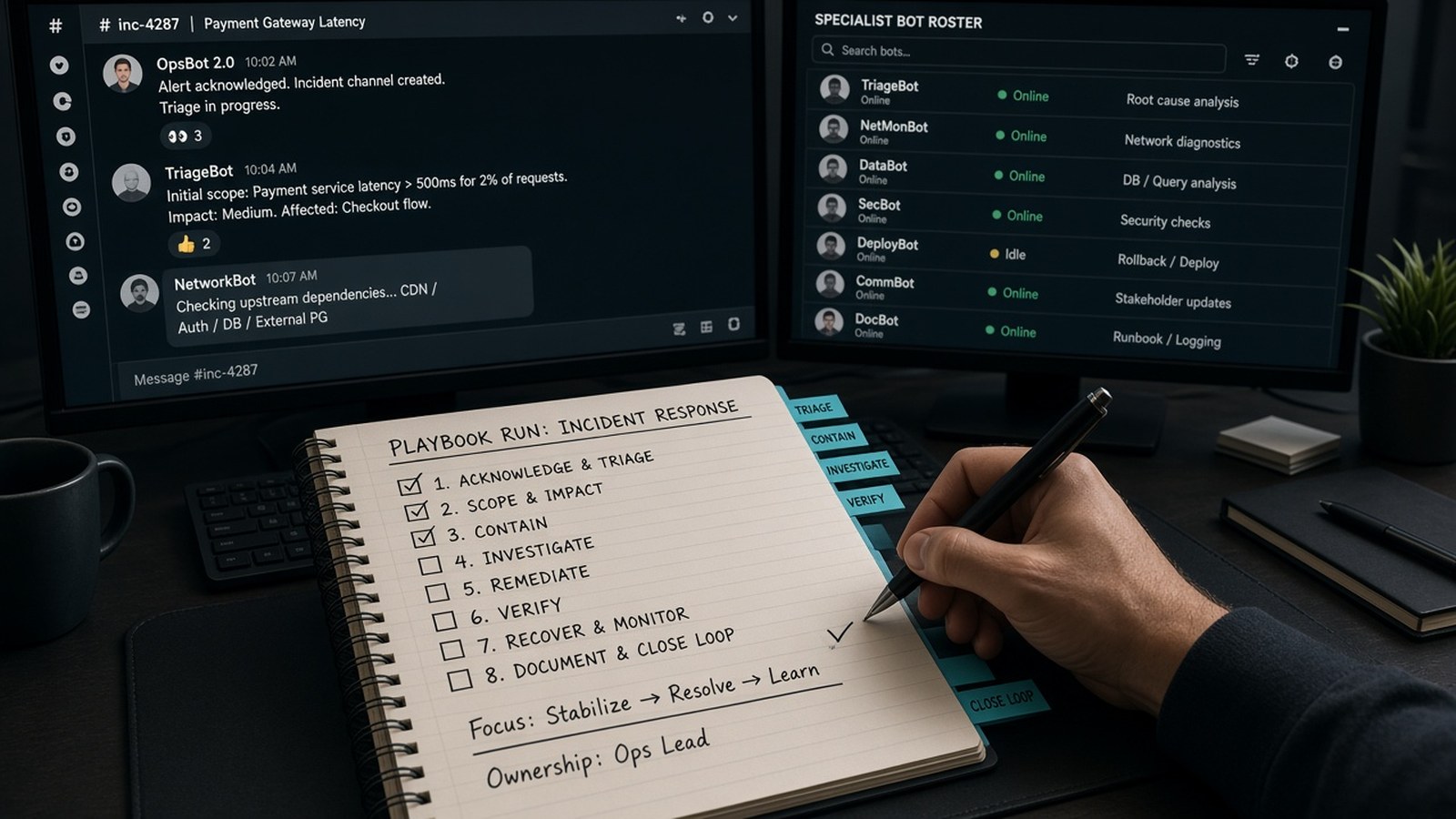
Pitfall: One Bot does orders, email, money, and marketing, and its instructions start to collide — one person trying to be the whole shop floor. Fix: Give each Bot one primary job. Split when a job has its own schedule or approval boundary, or when instructions for one job keep confusing another.
2. Letting it send
Pitfall: A Bot that touches customers or vendors sends directly. Fix: Make draft, don't send the default. Ask for reviewable artifacts: drafts, spreadsheets with defined columns, documents with source links. Automate the prep; keep the go-live decision.
3. Approving without reading
Pitfall: Clicking Allow on a prompt you don't fully understand, or creating a broad rule like "allow everything in the browser." Fix: Never approve an action when you can't tell what it targets or what it will do. Keep Auto Review rules narrow, for example "ask first before sending any external email."
4. Thinking separate Bots are walled off
Pitfall: Assuming the marketing Bot can't reach the bank login the finance Bot uses. Fix: All Bots share one computer, its logins, and your connected apps. Separate display names ≠ separate security. Enforce boundaries with written rules, approvals, Auto Review, and least-privilege accounts.
5. Two owners, one job
Pitfall: Two Bots research the same question or edit the same draft. Fix: Name one owner for every recurring job and every stage of a handoff. Duplicate work burns usage twice.
6. Scheduling before testing
Pitfall: Turning a first idea straight into a daily routine. Fix: Run it once, review, and correct. Save it as a skill, then schedule it. Remember that a test run does real work, so use safe inputs. Don't put a brittle script on a cron job before you've watched one clean run.
7. Noisy monitors
Pitfall: "Every new message" triggers and daily "nothing changed" reports. Fix: Use narrow triggers. Tell watchers to stay silent or send one line when nothing changed, and to report source failures instead of reusing old data. Quiet when nothing changed.
8. Trusting memory for facts that change
Pitfall: The Bot uses last month's prices or inventory from memory. Fix: Keep memory for stable preferences and role context. Keep prices, balances, and inventory in the source system, and ask the Bot to reopen the live source for consequential decisions. Don't trust a sticky note for the consequential number — DAM (digital asset management) masters vs derivatives.
9. Missing approvals and stalled jobs
Pitfall: A background job waits on you, and the approval expires. Per current Cursor help docs, background approvals (from routines, incoming messages, or another Bot) expire after about 30 minutes. Approvals in your own chat wait for you. Fix: Turn on notifications for Bots that need you. Remember that a direct message from you takes priority over background work, and "Stop now" halts it immediately. It doesn't undo actions already completed. Stay reachable when an approval is pending.
10. Forgetting cleanup and usage
Pitfall: Old routines keep running, logins linger, and leftover usage expires unused. Fix: When a project ends, pause or delete routines, sign out of sites, revoke connected apps, and remove sensitive files. Deleting a Bot doesn't remove files or browser sessions. At each period end, review usage and put leftover headroom into durable assets — not busywork.
Bonus: Publishing or paying on trust
Ask every Bot to separate facts found in sources, assumptions, completed actions, actions awaiting approval, and open questions. Check the links yourself before anything goes public or money moves.
Go deeper
These pitfalls map to Sections 06–08 of the playbook. If three of these are already true on your desk, stop adding Bots and fix the habit first.
- Grok Bot Playbook (web)
- Download the PDF
- Questions: jack@nextlinq.com · Nextlinq
Independent educational content by Nextlinq Solutions Inc. Not official Cursor or xAI documentation. Product details change — verify in official docs. Questions: jack@nextlinq.com
Part 10 of 10 · All notes · Getting started with a first bot