Blog / AI Assistants
Getting started with a first bot
Playbook: Grok Bot Playbook · PDF
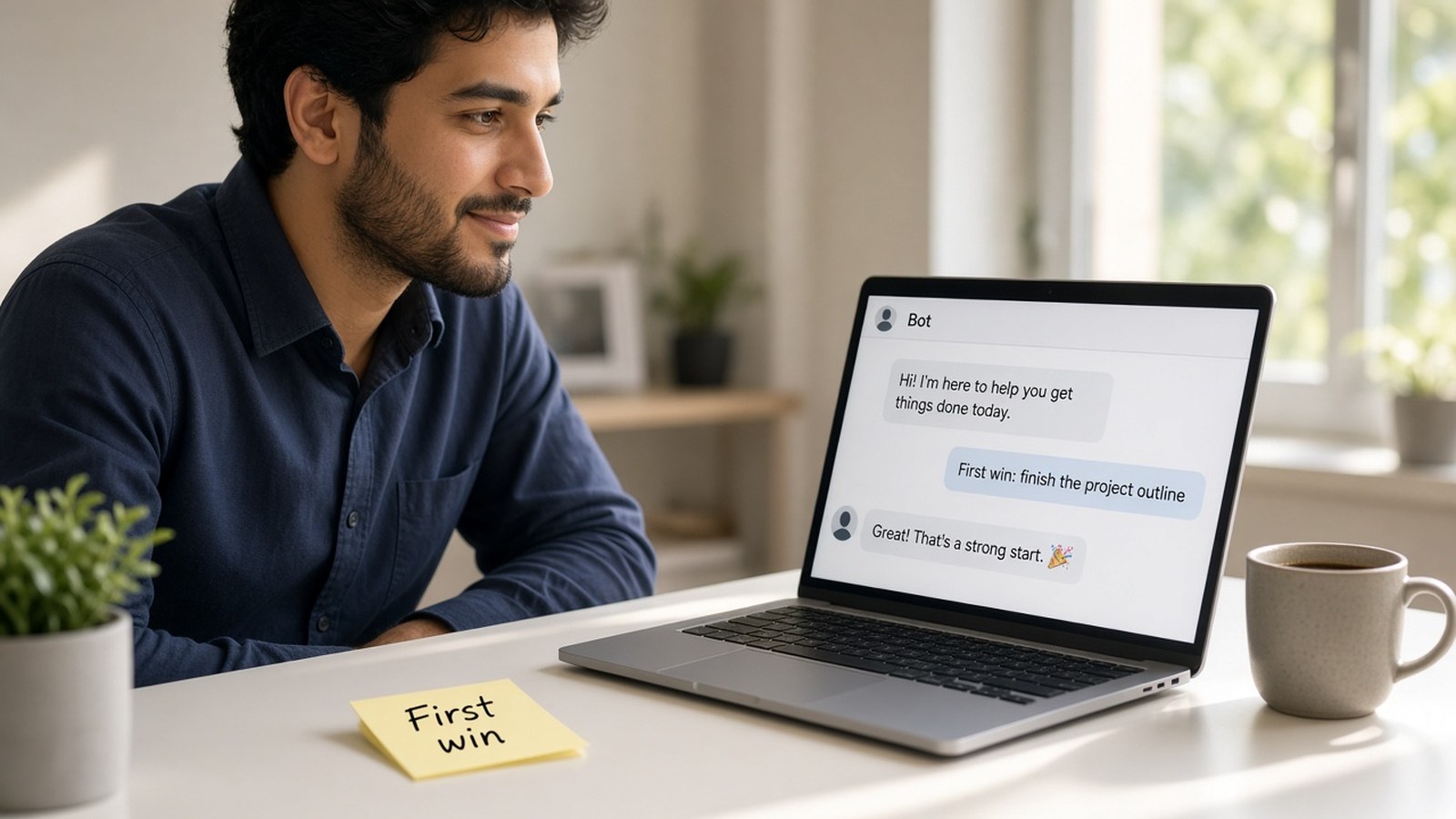
The fastest way to learn what a Bot can do is to give it one real job today — not assemble a ten-person ops desk on day one. Process design 101: one clear first job, a written stop point, and a debrief before you add complexity. Here's the five-step path from the playbook, with rough times, followed by a first-week plan.
Step 1: Get access (about 10 minutes)
Public sources list several ways to get access. At the time the playbook was written (product-fact rechecked 2026-10-24 PT):
- The X Subscription: Premium, Super, or Ultra (not Plus or Free). Super and Ultra get larger weekly pools.
- Legacy Cursor plans: paid individual Pro, Pro+, or Ultra, and Cursor Teams.
- Linking an individual SuperGrok, SuperGrok Plus, SuperGrok Heavy, or X Premium+ account to a Cursor account.
- Signing in with an assigned seat on a self-serve Grok Business plan (SuperGrok or SuperGrok Heavy license).
- Cursor Enterprise or Grok Enterprise through your account team.
Plans don't stack: if you have more than one, Grok Bot uses whichever gives you more weekly usage. Usage is metered weekly and resets each week. We don't quote prices. Check x.ai/bot and the Plans and billing page in the Cursor docs for current tiers.
Step 2: Install and sign in (about 10 minutes)
- Download the desktop app (macOS, Windows, Linux) from the Grok Bot page of the Cursor dashboard. Install the mobile app as well.
- Sign in with your Cursor account. There's no separate Grok Bot login, and company SSO applies if you use it.
- After a short intro, your first Bot, named "Grok Bot," opens a chat with you.
Step 3: Create a role-focused Bot (about 10 minutes)
Each Bot has a Name, Title, and Description. Give it one primary job in its first message, including its sources and approval boundaries, and ask it to remember them. One mission. Not "help with the business."
Your name is Ops Desk. Your title is Daily order operations. Your job: each morning, review yesterday's orders and customer emails, flag anything late, damaged, or unusual, and give me a short prioritized list with links. Draft replies but never send them, and never issue refunds or change orders without my approval. Remember this for future work.
A focused Bot builds more useful context than a catch-all helper — the difference between a clear first work order and "just help out around the shop."
Step 4: Connect your tools (about 15 minutes)
Open Connect apps in the sidebar or follow an in-chat Connect card. Connect only what this job needs, typically email and calendar, files, and perhaps accounting, CRM, or your store platform. If no connector exists, the Bot can work in the website after you sign in once on its computer. The session persists for future tasks.
Don't connect everything "just in case." That's unused overhead before the first pattern is clean.
Step 5: Give it a real first task (about 10 minutes)
Pick something that spans a few tools and has a clear finish line. A safe five-minute starter:
Summarize this document in five bullets. List every date, decision, and open question in a separate section, and cite the section for each item. Don't change the source file.
Review the result and correct it. Only then save it as a skill or routine. Draft-before-send stays the default for anything outbound.
Brief it well: the five elements
- Outcome. What does "done" look like?
- Sources. Which inboxes, sheets, sites, or apps?
- Constraints. Dates, budgets, tone, what to skip.
- Deliverable. Table, doc with links, drafts in Gmail?
- Stop point. Where must it pause for you?
Desktop and mobile
The phone app connects to the same Bots, conversations, routines, and cloud computer. From your phone you can message Bots, watch and take over the computer, approve actions, and pause or resume routines. Teaching by demonstration, testing routines, and updating the computer stay on desktop.
Your first week
- Pick one recurring task that costs you about an hour a week and spans two or three tools.
- Create a Bot for it with a name, title, description, and a written "never without approval" list.
- Connect only the apps that task needs. Run it once by hand and review every output.
- Save the method as a skill, then schedule it as a routine with a quiet-on-no-change rule.
- After two clean weeks, add the next role. Add a coordinator once you have three or more.
That growth path is intentional: first job, then complexity. Don't skip the debrief.
Go deeper
Section 03 of the playbook covers setup. Section 05 has seven recipes to choose your first job from.
- Grok Bot Playbook (web)
- Download the PDF
- Hands-on help with a first Bot: jack@nextlinq.com · Nextlinq
Independent educational content by Nextlinq Solutions Inc. Not official Cursor or xAI documentation. Product details change — verify in official docs. Questions: jack@nextlinq.com
Part 9 of 10 · All notes · Measuring bot ROI · Common pitfalls