Blog / AI Assistants
Security and privacy for bots
Playbook: Grok Bot Playbook · PDF
Owners often assume that a "finance Bot" and a "marketing Bot" are walled off from each other. They aren't. Understanding why is the most important security lesson in the playbook — and one I repeat as a consultant who has cleaned up too many "works on my machine" shared logins.
Separate Bot names are not a security boundary. Shared computer access is more like separate usernames on one shared machine: convenient for handoffs, dangerous if you pretend the labels are locks.
This is operator practice from the playbook, not a security certification and not legal advice.
The shared computer
All of your Bots use the same cloud computer. Its files, browser sessions, and app logins are shared, which is what makes handoffs work without repeating setup. Each Bot gets its own screen so several can work in parallel. The official docs are explicit that these screens are work surfaces, not security boundaries. If you sign in to a site with one Bot, every other Bot on your account can reach it too.
Isolation between different users is strict. Inside your own account, assume every Bot can reach everything.
Connected apps are also account-wide, meaning available to every Bot you run. OAuth tokens for those apps are held on Cursor's connector backend rather than on the computer.
Five rules that actually protect you
1. Don't put a credential on the computer that some Bot shouldn't use
If only your money Bot should see the bank, the bank login is still available to all your Bots. Decide with that in mind — don't leave the admin password in a shared folder and then invent a story about separate rooms.
2. Use least-privilege accounts
A Bot acts as you and can never have more access than you. Where possible, give it less, for example read-only finance logins.
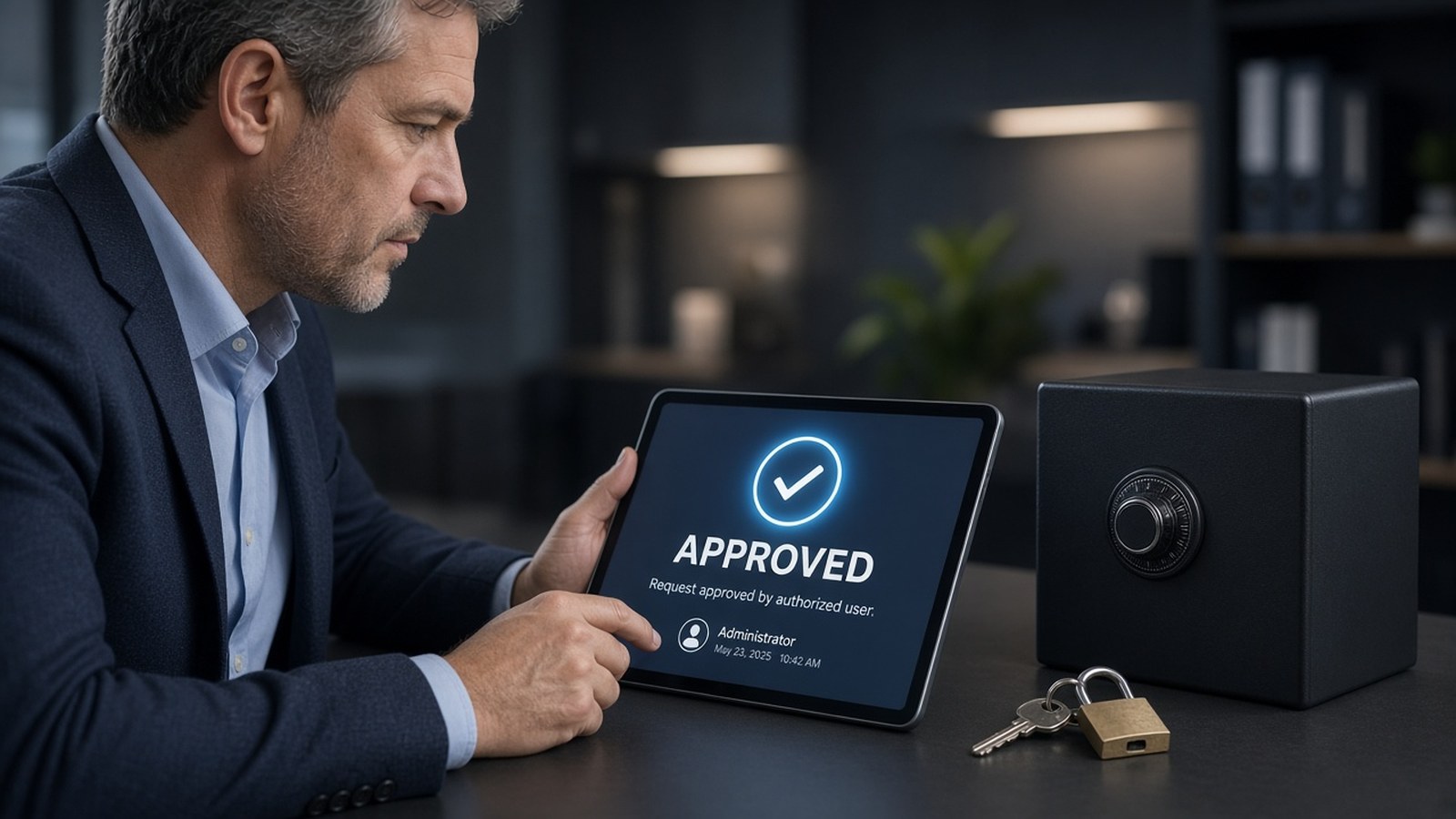
3. Keep consequential actions behind approval
Sending, purchasing, deleting, publishing, and production changes should all need your yes. When an action needs approval, you see the proposed operation and its inputs, with Allow once, Always allow (which saves a matching rule), and Deny.
Behind those prompts, Auto Review is an independent review model that evaluates risky actions: shell commands, app calls, computer use, routine changes, and delegation. It can let an action proceed, require approval, or deny it. You can write your own rules in plain language:
- Good: "ask first before sending any external email."
- Avoid: "allow everything in the browser."
Never approve an action when you can't tell what it targets or what it will do. Draft-before-send stays the default for anything outbound.
4. Plan for prompt injection
Outside content such as web pages, emails, and documents can try to steer an agent. Controls reduce that risk but don't eliminate it. That's one more reason consequential actions stay behind approval — trust the gate, not a stranger's email.
5. Clean up when a project ends
- Pause or delete routines.
- Sign out of sites.
- Revoke connected apps.
- Remove sensitive files.
Deleting a Bot does not remove files or browser sessions. Walking away is not securing the shared machine.
Sensitive steps stay with you
For passwords, passkeys, two-factor codes, CAPTCHAs, and payment or identity checks, the Bot hands you the computer. You complete only the blocked step and tell it to continue. The Bot doesn't type your credentials or see your password.
Never paste passwords or one-time codes into ordinary chat. Use the secure secret request where it's supported.
A word on notifications
Approvals from background work expire after about 30 minutes, per current Cursor help docs; approvals in your own chat wait for you. Turn on notifications for Bots that need you, so a missed prompt doesn't quietly stall a job — an approval that timed out while you were away from the desk.
Verify before you publish or pay
Ask for results that separate:
- Facts found in source systems
- Assumptions
- Actions completed
- Actions awaiting approval
- Open questions
Check the source links yourself before anything goes public or money moves.
Go deeper
See Section 02 (shared computer and approvals) and Section 06 (best practices #2, #6, and #7) of the playbook.
- Grok Bot Playbook (web)
- Download the PDF
- Questions: jack@nextlinq.com · Nextlinq
Independent educational content by Nextlinq Solutions Inc. Not official Cursor or xAI documentation. Product details change — verify in official docs. Not legal or security-certification advice. Questions: jack@nextlinq.com
Part 6 of 10 · All notes · Multi-bot teams · Integrating bots with business tools